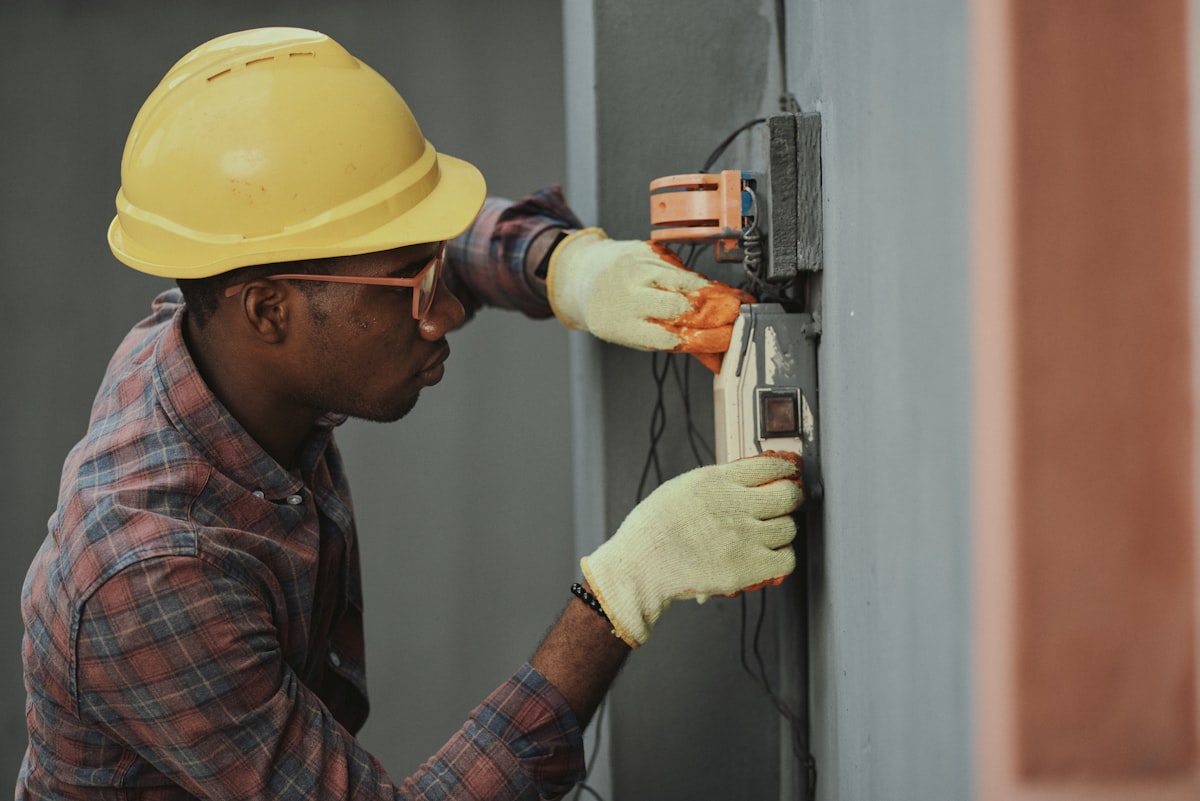
Smart Thermostat Installation & Repair in Dallas, TX
Smart thermostat installation, wiring, and setup in Dallas, TX. Expert wiring for Google Nest, Ecobee, Honeywell Home, and all major heating and cooling systems.
Why Choose Us For Smart Thermostats
- Texas state-licensed HVAC technicians
- Diagnostic fee credited 100% toward any approved repair
- Safe wiring for all smart thermostat brands (Nest, Ecobee, Honeywell)
- Power wire (C-wire) retrofits to keep your thermostat charged
- 1-year warranty on all installation labor and wiring
Smart Thermostat Installation & Setup in Dallas, TX
Modern smart thermostats from Google Nest, Ecobee, and Honeywell Home offer convenient smartphone control, automatic scheduling, and real savings on your summer electric bill. However, installing one with incorrect wiring can blow internal fuses, fry your furnace’s circuit board, or cause heat pumps to blow the wrong temperature air.
We connect Dallas homeowners with state-licensed HVAC technicians skilled in safe thermostat wiring, power adapter retrofits, and programming for all heating and cooling brands.
Why Professional Setup Prevents Costly Problems
Smart thermostats are miniature computers on your wall, and installing them involves low-voltage wiring connected directly to your indoor furnace or air handler:
1. The Missing Power Wire (C-Wire) Problem
Homes built before 2000 often have only 4 wires running to the thermostat, missing the continuous power wire (the “C-wire”). Without this wire, the thermostat tries to “steal” power from your AC’s cooling circuits. This can cause false restarts, blown fuses, or dead thermostat batteries on hot summer days. Technicians safely add a power extender kit or run a new wire.
2. Protecting Against Blown Fuses and Circuit Boards
Touching the wrong wires together during DIY installation can short-circuit the furnace’s low-voltage power supply, burning out fuses or damaging the main circuit board. Technicians turn off power safely, test every connection with meters, and ensure all electrical safety devices are working.
3. Heat Pump Settings
Heat pumps require specific programming so the thermostat knows how to operate the reversing valve. If configured wrong, your system could blow hot air during summer or freeze your house in winter. Technicians calibrate the settings to match your exact equipment brand.
Professional Smart Thermostat Setup Steps
When a partner technician installs your new thermostat, they follow a careful 5-step process:
- Verify Power Supply: Testing electrical voltage at the furnace to make sure your system can power a smart screen safely.
- Connect Dedicated Power (C-Wire): Ensuring clean continuous power so your thermostat never drops offline or drains its battery.
- Configure Heat & Cool Settings: Setting up proper stages and safety timers to protect your compressor from rapid on-and-off cycling.
- Connect to Home Wi-Fi: Linking the thermostat to your home internet network and pairing it with your phone.
- Homeowner Demonstration: Walking you through the app, showing you how to set daily schedules, and answering any questions.
Need Fast Smart Thermostats in Dallas Today?
Direct connection with TDLR-licensed cooling and heating technicians. Same-day diagnostics with zero high-pressure sales.
Our Proven Service & Diagnostic Process
Low-Voltage Wiring Inspection
The technician tests existing thermostat wiring and power supply to ensure full compatibility.
Safe Connection & Power Adapter Setup
Connecting wires safely and adding a dedicated power wire (C-wire) adapter if your home needs one.
System Programming & Safety Delays
Configuring heating and cooling settings to protect your system from restarting too quickly.
Wi-Fi Setup & Friendly Walkthrough
Connecting the thermostat to your home Wi-Fi and showing you how to set easy schedules on your phone.
Related Dallas HVAC Services
Book Smart Thermostats
Get connected with a TDLR-licensed Dallas technician for fast dispatch:
Smart Thermostats FAQs
Clear answers to common questions about this service in Dallas:
Why does my Google Nest or Ecobee say 'No Power' or disconnect from Wi-Fi?
Smart thermostats need continuous low-voltage power to keep their screens and Wi-Fi radios running. Many older Dallas homes lack a dedicated power wire (called a C-wire). Without it, the thermostat tries to pull power from the cooling system, leading to dead batteries, Wi-Fi drops, and erratic AC cycling. A technician can easily install a small power adapter kit to fix this.
Can a smart thermostat lower my Dallas electric bills?
Yes. Smart thermostats save an average of 10% to 15% on cooling bills by automatically setting temperatures higher when you are away from home and cooling down before you return.
Can I install a smart thermostat on a heat pump system?
Yes, but heat pumps need special programming so the thermostat knows whether to switch the system into heating or cooling mode. A mistake can cause your system to blow heat during summer or cold air during winter.
Do partner technicians install thermostats that homeowners bought themselves?
Yes. Technicians frequently install customer-purchased thermostats bought from Amazon, Home Depot, Best Buy, or energy providers, ensuring safe, professional wiring.